ToffeeShare Download

Get the Latest Version
ToffeeShare operates as a direct peer-to-peer file-sharing platform built to transfer data instantly between devices without storing anything on intermediary cloud servers. Securing the newest they release guarantees smooth, rapid, and protected media sharing across diverse hardware. For a completely authentic and secure installation, users should rely exclusively on certified distribution portals. The dedicated Android build allows mobile users to transmit files directly from smartphones using an optimized application interface. On the other hand, PC and Windows users benefit from a streamlined web browser workflow that eliminates tedious setups. Full mobile and desktop compatibility makes cross-platform file exchanges effortless, bridging laptops, tablets, and mobile phones seamlessly. Individuals consistently choose Download ToffeeShare because it completely bypasses traditional cloud storage limitations, offering a modern decentralized workflow. The service guarantees a protected data-transfer experience through end-to-end encryption, ensuring your private documents remain strictly between the original sender and the intended recipient.
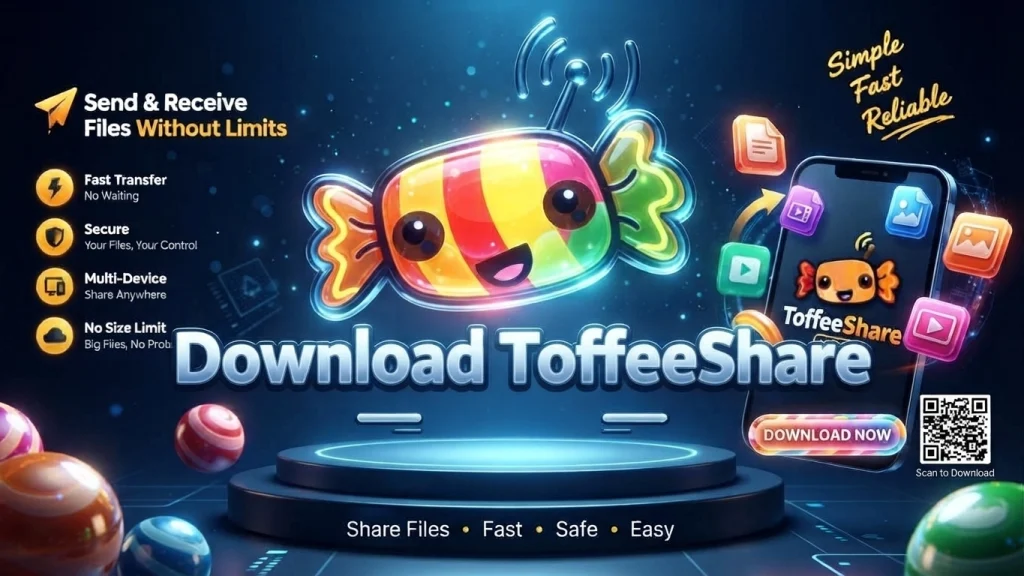
How to Download ToffeeShare
Download ToffeeShare on Android
Open the official app store on your mobile device. Search for App inside the search bar. Check the app name carefully to verify it belongs to the authentic developer. Tap the install button to trigger the package download. Wait for the installation to finish completely on your device memory. Launch ToffeeShare and start using it right away for quick phone transfers.
Download ToffeeShare on PC
Open the official app portal using any updated web browser. Use a reliable browser such as Google Chrome, Mozilla Firefox, or Microsoft Edge. Access this application directly through the online web interface. No unnecessary desktop installation is required, because the platform runs entirely within your browser environment. Start transferring files directly from your computer storage partitions.
Download ToffeeShare on iPhone
Open the supported browser or web environment on your Apple iOS hardware. Visit the official app portal using Safari or another preferred mobile browser. Start the file-transfer process straight from your handheld browser screen. Enjoy the browser-based experience which enables iOS users to bypass app store restrictions completely while maintaining full functionality.
Download ToffeeShare Safely
Use official sources like certified marketplaces or the primary web domain. Avoid modified or untrusted APK packages sourced from unverified third-party web pages. Check the correct app and service name before proceeding with any downloads. Keep your browser or app updated to the latest available patch for optimal digital security.
How to Use ToffeeShare After Download
Open ToffeeShare on your primary sending device. Choose the specific document or media file you wish to transmit from your local storage. Start the transfer sequence to instantly generate a unique secure link. Share the generated transfer link or connection details with your intended recipient. Open it on the receiving device via any standard web browser. Start downloading the shared file directly from the active connection. Keep the sender connected until the transfer finishes completely. Explain clearly how the sender and receiver work together: the sending device must keep its browser session active so that the direct peer-to-peer bridge remains open for a successful, uninterrupted data exchange.
ToffeeShare Download and Installation FAQs
Is ToffeeShare Free to Download?
Yes, the platform is entirely free to access, use, and run without any hidden fees or mandatory subscription barriers.
Is ToffeeShare Safe to Download?
Yes, it relies on modern end-to-end encryption standards to ensure all data exchanges remain private and protected from outsiders.
Can I Download ToffeeShare on Android?
Yes, a dedicated mobile application is readily available on official digital marketplaces for compatible smartphones.
Can I Download ToffeeShare on iPhone?
Yes, Apple users can utilize the fully optimized web utility directly via mobile browsers without downloading a separate app.
Can I Download ToffeeShare on PC?
Yes, desktop users can access the service effortlessly through standard web browsers or official Windows client listings.